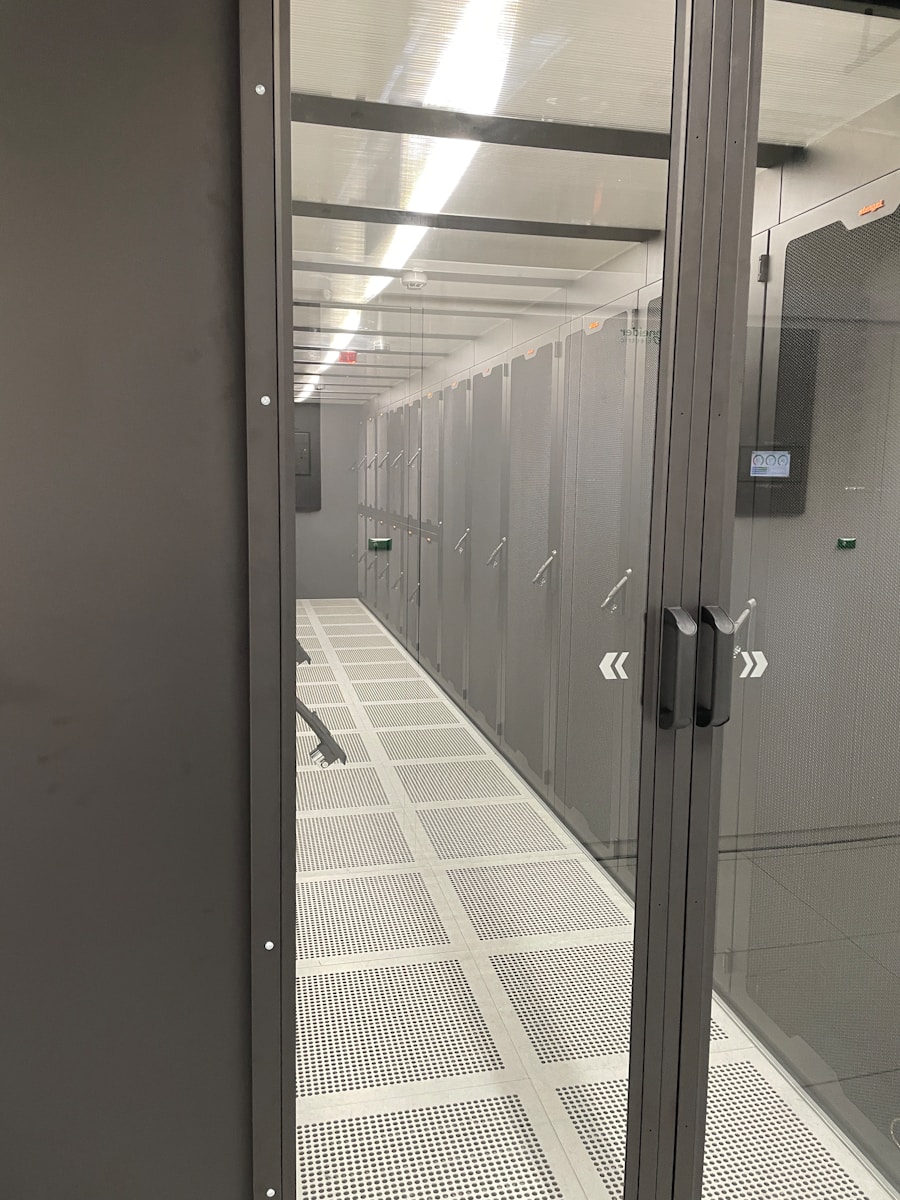
Moving a data center is like operating on a beating heart. One mistake can halt business operations for hours, disrupt critical applications, and cascade across connected systems. Customer access, internal workflows, and security controls can all be affected at once.
Yet here’s the reality. Most data migrations fail to meet their original goals, often due to inadequate planning and missing critical checklist items. Whether you’re relocating to a new facility, transitioning to the cloud, or consolidating multiple data centers, having a complete migration checklist isn’t just helpful. It’s essential for survival.
Why Data Center Migrations Are More Complex Than Ever
Data centers today are far more complex than simple server rooms. They host cloud systems, virtual servers, and even AI workloads that use 40–60kW per cabinet. Each application often depends on many others, so missing one connection can cause failures across the system.
Most companies run more than 200 applications. Each of these apps usually has around 15 connections to other systems. Miss just one critical dependency during migration, and you could face extended outages that damage customer trust and revenue streams.
The Foundation: Pre-Migration Assessment and Discovery
Before moving anything, start with a full review of your systems. This discovery phase often determines whether a data center migration succeeds or fails. The objective is to understand what you have, how systems connect, and how they perform today.
Infrastructure Inventory and Documentation
Document everything. And we mean everything. Create detailed inventories of all physical and virtual servers with their specifications and usage. Document network equipment, configurations, storage capacity, and data locations. Include applications and their dependencies, security systems, access controls, and power and cooling requirements. Using automated discovery tools improves accuracy and helps uncover systems that are often missed.
Dependency Mapping: The Hidden Connections
Applications rarely operate alone. They depend on databases, network segments, security tools, and external services. Create a clear dependency map that shows application communications, database relationships, VLAN requirements, backup systems, and disaster recovery links. Missing one dependency can cause outages during migration.
Performance Baseline Establishment
Establish current performance metrics before migration. Measure server CPU, memory, and storage usage, along with network latency, application response times, availability, and database performance. These benchmarks help confirm post-migration success and quickly identify issues.
Strategic Planning: Your Migration Roadmap
Strong planning gives structure to data center migration projects and reduces risk. This phase defines how systems will move, who is responsible, and how disruptions are avoided.
Migration Methodology Selection
Choose your migration approach based on business requirements and risk tolerance. Lift and shift moves systems as-is and prioritizes speed. Replatforming updates hardware or operating systems to support modernization without major redesign. Refactoring rebuilds applications to better fit cloud environments and delivers long-term value but requires more effort. Hybrid migrations combine approaches and reduce risk by moving workloads in phases.
Timeline Development and Resource Allocation
Create realistic timelines with buffer time for unexpected issues. Most enterprise migrations require 3-9 months from planning to completion. Define project phases, milestones, and migration waves, then assign technical and business resources to each stage. Account for system dependencies and schedule regular updates to keep stakeholders aligned throughout the process.
Risk Assessment and Mitigation Strategies
Identify potential failure points and develop mitigation strategies. Real-world data center migration projects show that poor planning can lead to an average of 16 hours of downtime, with losses reaching up to $1 million per hour for some organizations. Common issues include single points of failure such as systems with no backup, data transfer limits, software compatibility problems, skill gaps, and migrations scheduled during peak business hours. Addressing these risks in advance helps prevent downtime and delays.
The Technical Migration Checklist
Technical readiness determines whether a migration runs smoothly or stalls mid-process. This checklist focuses on the systems most likely to cause delays if overlooked.
Network Infrastructure Preparation
Network setup is a common bottleneck during migrations. In physical data centers, plan VLANs and IP addressing early, confirm DNS and name resolution strategies, and migrate firewall, security group, and load balancer rules carefully. WAN circuits should be ordered well in advance, since provider setup can take months.
For cloud migrations, design the Virtual Private Cloud with future growth in mind. Subnet sizing, security group limits, connectivity options such as VPN or Direct Connect, and available bandwidth all affect how efficiently systems and data can move.
Data Migration Strategy
Data planning protects business continuity. Start by classifying data based on sensitivity and business impact, then select the right transfer method, whether network-based, physical, or hybrid. Encryption should be applied during transfer and storage, with validation checks to confirm data integrity. Always plan for rollback so data can be restored quickly if issues occur.
Application Migration Sequencing
Application order matters. Begin with non-critical systems to validate the process, then move independent applications with few dependencies. Critical systems require careful timing and testing, while interdependent clusters should migrate together to avoid service disruptions.
Testing and Validation Procedures
Pre-Migration Testing
Before migration begins, validate every step in a controlled setting. Test the full process in a lab environment, confirm network connectivity, and verify that applications function correctly in the new environment. Performance testing ensures response times meet expectations, while security checks confirm access controls and data protection are in place.
Migration Execution Monitoring
During migration, continuous monitoring is critical. Track system health and data transfer progress in real time, verify application availability, and monitor network performance. User experience validation helps catch issues early, before they impact operations.
Post-Migration Validation and Optimization
Comprehensive System Testing
After migration completion, test everything to make sure it all works as expected. Confirm applications function correctly, performance meets or exceeds pre-migration baselines, and all integrations work as designed. User acceptance testing helps verify real-world usability, while security validation ensures protections remain intact.
Performance Optimization
Post-migration is the ideal time to fine-tune performance. Adjust resources based on actual usage, optimize network and storage performance, and update application configurations to fit the new environment. Final updates to the monitoring and alerting system ensure ongoing visibility and faster issue detection.
Common Migration Pitfalls to Avoid
Many migrations fail due to preventable mistakes. Inadequate planning can create unexpected dependencies and extend downtime. Poor communication with stakeholders leads to confusion and unmet expectations. Skipping pre-migration testing often causes longer outages, while overlooking application interdependencies can trigger cascading failures. Finally, migrations without a clear rollback plan risk turning failures into prolonged disruptions.
Building Your Migration Team
Successful migrations require diverse expertise:
- Project Manager: Coordinates activities and manages timeline
- Infrastructure Specialists: Handle server, storage, and network components
- Application Owners: Understand business logic and requirements
- Security Experts: Ensure compliance and data protection
- Network Engineers: Configure connectivity and optimize performance
- Database Administrators: Manage data migration and integrity
Your Path to Migration Success
A clear data center migration checklist can turn a risky project into a smooth and successful move. The foundation is careful planning, solid testing, and step-by-step execution.
Invest significant effort upfront to plan every phase of your migration. This preparation prevents costly mistakes and ensures smooth operations in your new environment.
No matter where you’re moving, into a new facility, the cloud, or a hybrid setup, a clear checklist lowers risks and helps you get the most from your new infrastructure.
Ready to begin your migration journey? Start with comprehensive discovery, build your detailed checklist, and don’t hesitate to engage experienced migration specialists who can guide you through the complexities of modern data center transitions.