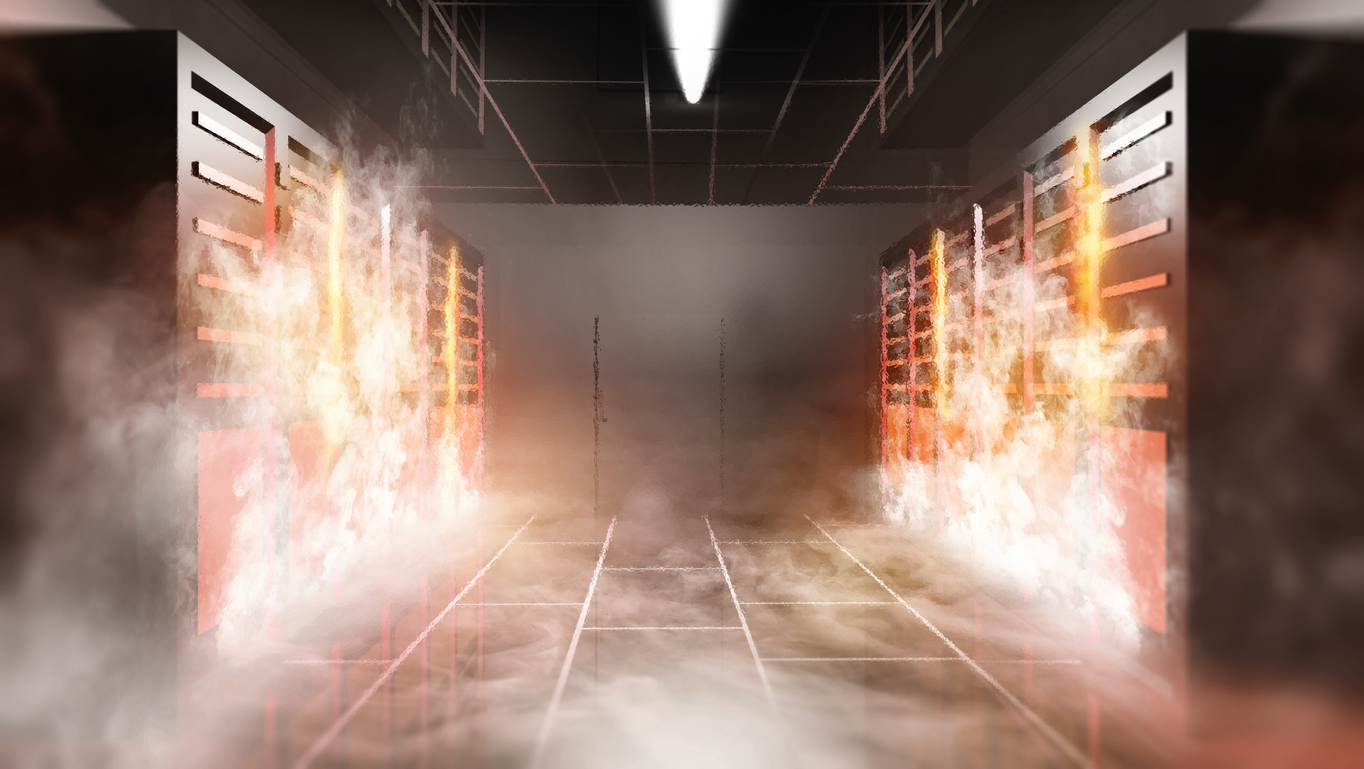
Your server room is the nerve center of your operations. It houses the critical IT infrastructure that powers your business, stores your valuable data, and keeps your team productive. But this concentration of high-powered equipment generates an enormous amount of heat. If not managed effectively, this heat can lead to server room overheating, a problem that can cripple your systems, cause costly damage, and bring your business to a grinding halt.
At Camali Corp, we’ve seen firsthand the devastating impact of uncontrolled server room temperatures. Stopping overheating isn’t just for comfort. It protects your equipment and helps keep your business running. This comprehensive guide will walk you through why server room overheating is a critical threat and, most importantly, what you can do to prevent it.
Why a Hot Server Room is More Than Just Uncomfortable
It’s easy to underestimate the impact of a few extra degrees in the server room. However, the consequences of overheating extend far beyond a sweaty brow for your IT staff.
The High Cost of Downtime: Beyond Damaged Hardware
When servers overheat, they may shut down or fail. The immediate cost is often the repair or replacement of expensive hardware. Downtime can cost your business a lot of money. Consider lost productivity, missed business opportunities, damage to your reputation, and potential data loss. For many businesses, every minute of server downtime translates to significant financial losses.
Hidden Damage: How Heat Hurts Equipment Over Time
Even if your servers don’t stop working right away, long periods of high heat can make them wear out faster. Heat accelerates the wear and tear on sensitive electronic components like CPUs, memory modules, and hard drives. This means you’ll need to replace parts more often and spend more money over time. Think of it like running a car engine constantly in the red, it might not break down immediately, but damage is accumulating.
Beyond Temperature: The Hidden Dangers of Humidity Imbalance
Temperature matters a lot, but humidity is just as important. When humidity is low, the dry air causes static electricity (called electrostatic discharge or ESD) to build up and damage sensitive parts. On the other hand, high humidity can lead to moisture buildup, causing rust or short circuits that may damage your equipment. Maintaining the right balance is crucial for a healthy server room environment. As the American Society of Heating, Refrigerating and Air-Conditioning Engineers (ASHRAE) guidelines emphasize, both temperature and humidity must be managed within specific ranges for optimal IT equipment reliability.
Understanding the Enemy: What’s Causing Your Server Room to Overheat?
To effectively prevent overheating, you first need to understand its common causes. Several factors can contribute to a dangerously warm server room.
The Usual Suspects: Server Density and Power Consumption
Modern servers deliver more computing power in smaller footprints, but this efficiency increases heat output. As server density rises, more heat is generated within the same physical space. Higher power consumption naturally produces more heat, which places greater demand on cooling systems and raises the risk of overheating if capacity does not scale accordingly.
Airflow Blockages: From Poor Layout to Cable Clutter
Even well-sized cooling systems struggle when airflow is restricted. Poor rack placement, unmanaged cabling, and blocked vents prevent cool air from reaching equipment intakes and trap hot exhaust air inside the room. Over time, these airflow disruptions create localized hot spots that raise overall temperatures and stress IT hardware, even when cooling equipment is running continuously.
Inadequate or Failing Cooling Systems
Sometimes, the cooling system itself is the problem. It might be undersized for the current heat load, poorly maintained, or experiencing a mechanical failure. As businesses grow and IT needs expand, a cooling system that was once adequate can quickly become overwhelmed.
External Factors: Room Location and Ambient Temperature
The server room’s physical location can also play a role. A room with south-facing windows, poor insulation, or located near other heat-generating equipment will naturally be harder to keep cool. Seasonal changes in ambient temperature can also put additional strain on your cooling systems.
Your Action Plan: Key Strategies to Prevent Server Room Overheating
Preventing server room overheating requires a layered approach that addresses layout, cooling, airflow, humidity, and ongoing oversight. When these elements work together, facilities can maintain stable temperatures and reduce the risk of downtime.
Smart Server Room Design & Layout: The Foundation of Cool
A well-thought-out server room layout is your first line of defense against overheating. Hot aisle and cold aisle containment plays a major role by separating cool air intake from hot exhaust air. Servers are positioned so that cold air is delivered directly to equipment inlets while hot air is captured and removed before it can recirculate. This separation improves cooling efficiency and helps maintain consistent temperatures. Proper rack spacing and organized cable management further support airflow by preventing obstructions under raised floors and inside racks.
Choosing the Right Cooling System for Your Needs
Not all cooling systems are created equal. The right choice depends on your room size, heat load, and budget. Precision cooling equipment such as CRAC and CRAH units is designed to operate 24/7 and maintain tight temperature and humidity control. In high-density environments where air cooling struggles to keep up, liquid cooling solutions may be required to remove heat more effectively. Redundancy is also critical. N+1 or 2N cooling configurations ensure that backup capacity is available if a primary unit fails, preventing sudden temperature spikes in mission-critical spaces.
Mastering Airflow Management
Effective airflow management ensures that cooled air reaches equipment and hot air is removed efficiently. Sealing gaps in raised floors and installing blanking panels in unused rack spaces prevent air leakage and hot air recirculation. Proper ventilation and air exchange rates are also necessary to remove warm air and maintain stable conditions. Working with HVAC professionals helps ensure airflow design matches the room’s heat load and layout.
Don’t Forget Humidity: Maintaining the Right Balance
Temperature control alone is not enough. Humidity must remain within a safe range to protect IT equipment. Most precision cooling systems manage both temperature and moisture levels. Maintaining relative humidity within commonly recommended ranges helps reduce the risks of corrosion and electrostatic discharge.
Continuous Monitoring: Your Early Warning System
Continuous environmental monitoring provides visibility into real-time conditions. Sensors placed throughout the room and at different rack heights help track temperature, humidity, and airflow patterns. A monitoring system with alerts notifies staff when conditions move outside defined thresholds, allowing teams to respond before overheating or equipment damage occurs. Reviewing historical data also helps identify trends and prevent future issues.
Beyond the Basics: Advanced & Long-Term Overheating Prevention
Keeping your server room cool is an ongoing effort that requires foresight and proactive measures.
Regular Maintenance: The Key to Cooling System Longevity
Your cooling systems are like any other mechanical equipment. They require regular, preventative maintenance to operate efficiently and reliably. This includes cleaning filters, checking refrigerant levels, inspecting fans and motors, and ensuring control systems are functioning correctly. Neglecting maintenance is a leading cause of cooling system failure.
Scalability: Planning for Future Growth and Heat Loads
Your IT needs will likely grow over time, leading to more servers and a higher heat load. When designing or upgrading your server room cooling, plan for future expansion. A modular cooling approach can allow you to add capacity as needed.
Energy Efficiency: Cooling Smarter, Not Harder
Overcooling your server room wastes energy and money. According to EnergyStar.gov, “Data centers can save 4% to 5% in energy costs for every 1°F increase in server inlet temperature.” By optimizing airflow and adhering to recommended temperature ranges (like those from ASHRAE, which generally allow for higher inlet temperatures than many older data centers maintain), you can often reduce energy consumption without compromising equipment safety.
When to Call the Experts: Professional Assessments and Service
While these tips provide a solid foundation, managing server room environments can be complex. If you’re unsure about your current setup, experiencing persistent issues, or planning an expansion, it’s wise to consult with professionals. Experts can conduct a thorough assessment, identify potential problems, and recommend tailored solutions.
Partnering for a Cool and Reliable Server Environment (Camali Corp’s Expertise)
At Camali Corp, we specialize in designing, building, and maintaining critical infrastructure, with a core focus on ensuring optimal server room environments.
How Camali Corp Approaches Server Room Cooling Challenges
We take a complete approach, understanding that effective cooling is about more than just installing an AC unit. Our approach involves:
- Thorough Site Assessments: Analyzing your current heat load, airflow patterns, existing infrastructure, and future needs.
- Customized Design Solutions: Developing cooling strategies tailored to your specific environment, whether it’s implementing hot/cold aisle containment, upgrading HVAC systems, or advising on liquid cooling options.
- Professional Installation: Ensuring all components are installed correctly for maximum efficiency and reliability.
- Comprehensive Maintenance Programs: Offering proactive service contracts to keep your cooling systems in peak condition and prevent unexpected failures.
Our Experience in Designing, Building, and Maintaining Critical Infrastructure
With over 35 years in the business, Camali Corp has a proven track record of helping organizations like yours safeguard their critical IT assets. From electrical and HVAC to IT services, we provide a single-provider solution for all phases of your infrastructure lifecycle. We’ve seen firsthand how a well-designed and maintained cooling system is fundamental to business continuity.
Ready to Ensure Your Server Room Stays Cool?
Don’t wait for an overheating incident to disrupt your operations. If you’re concerned about your server room’s temperature, or if you’re planning for growth, contact Camali Corp today for a consultation. Our experts can help you design and implement a robust cooling strategy that protects your equipment, saves energy, and gives you peace of mind.